
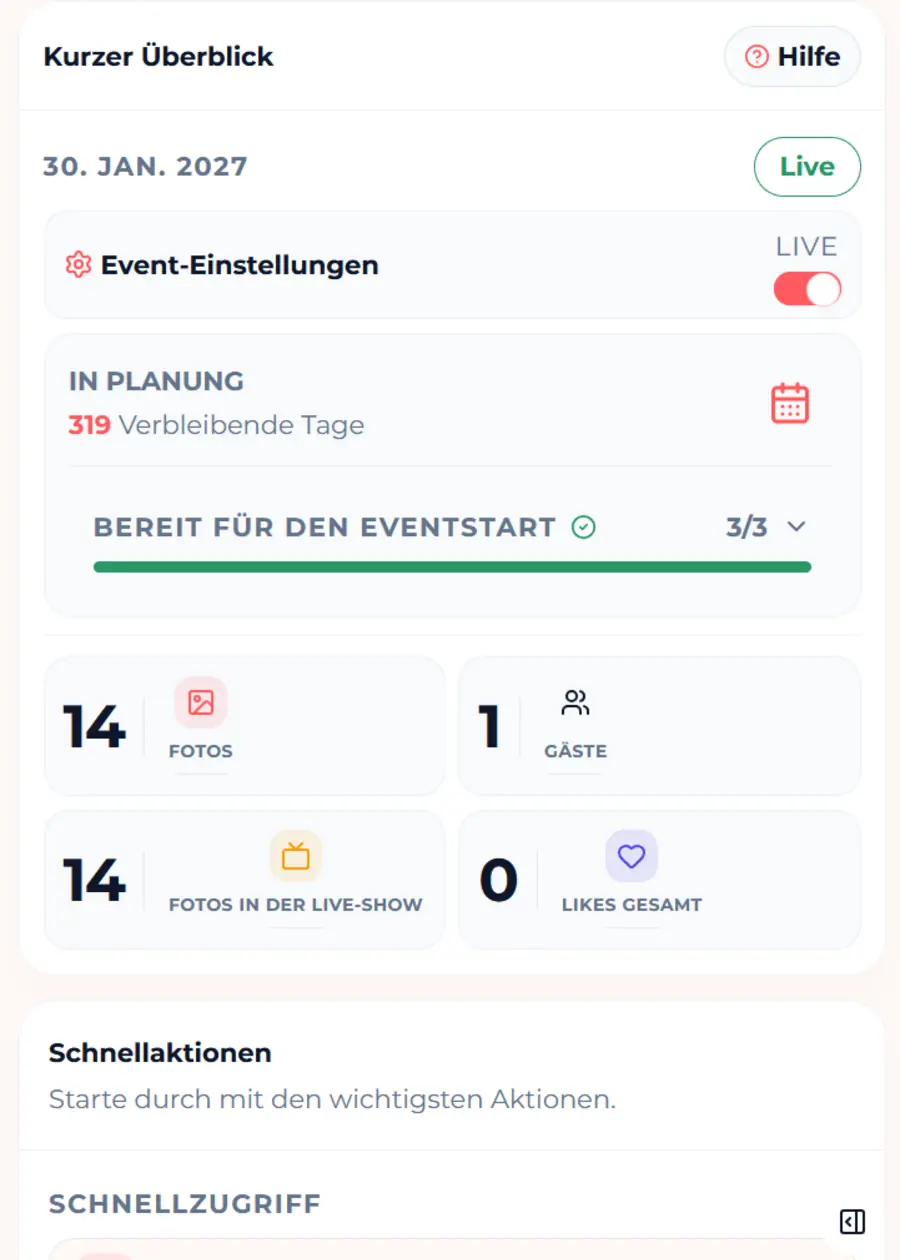
Step 1
Create your event and choose a package
Choose the right package and set the event name, timing, access, and key gallery settings.
Create your event, share the QR code, guests open the app in the browser, and you moderate and export the gallery afterwards.
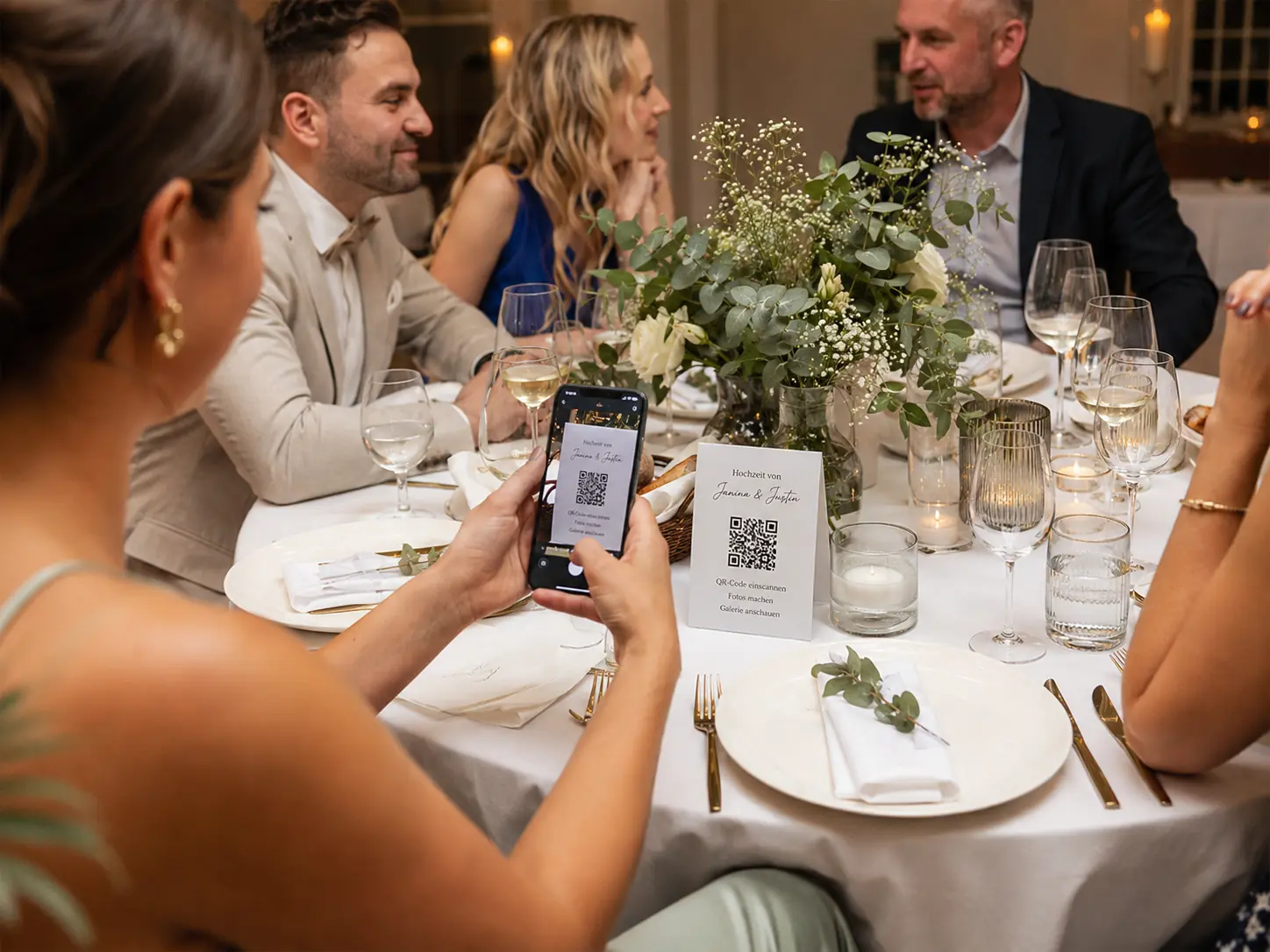 AI-generated
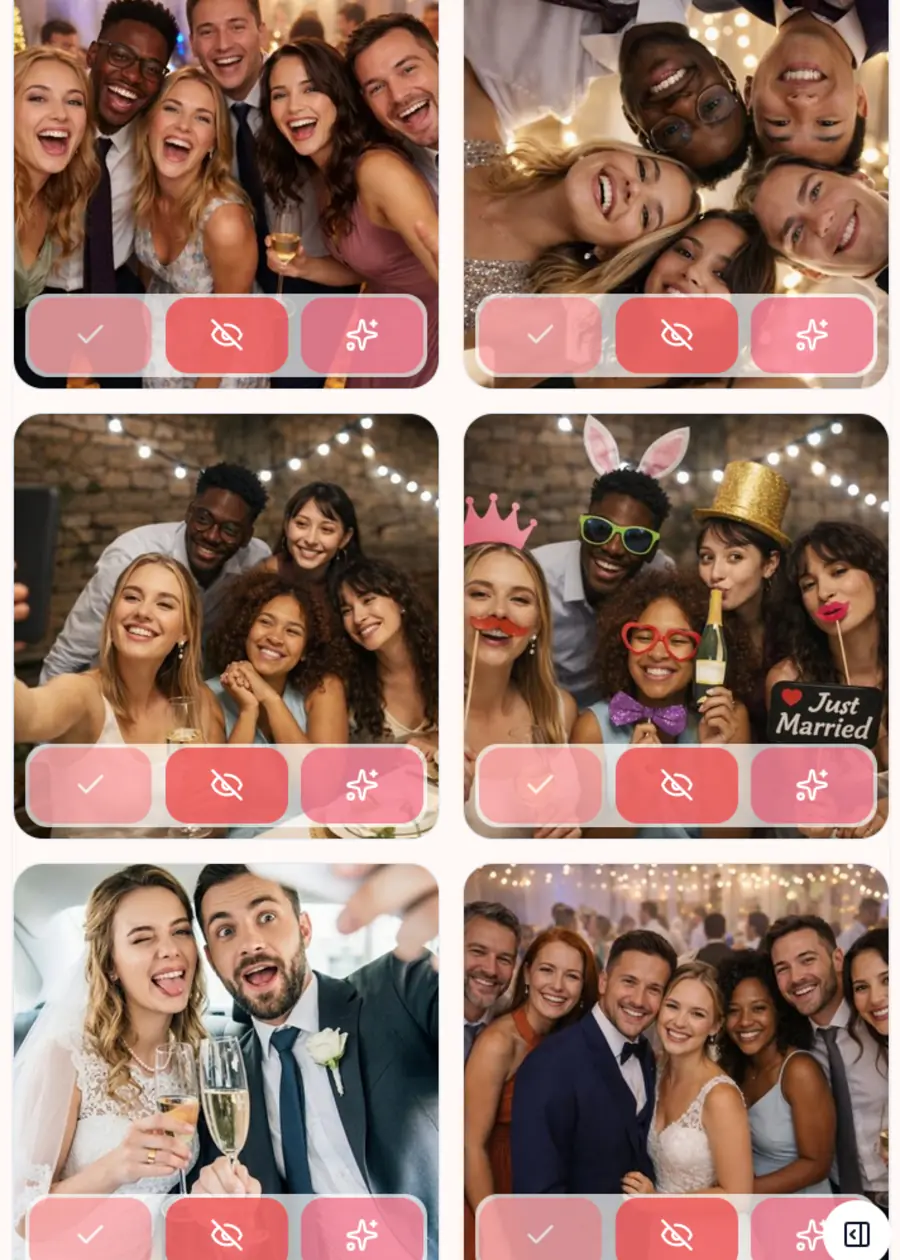
See how preparation becomes a simple guest experience and many phone photos become one shared gallery.
Choose the right package and set the event name, timing, access, and key gallery settings.
AI-generatedPut the QR code on table cards, invitations, posters, or screens. Guests open the Fotospiel App in their browser without a download or account, upload photos, and watch the live gallery grow.
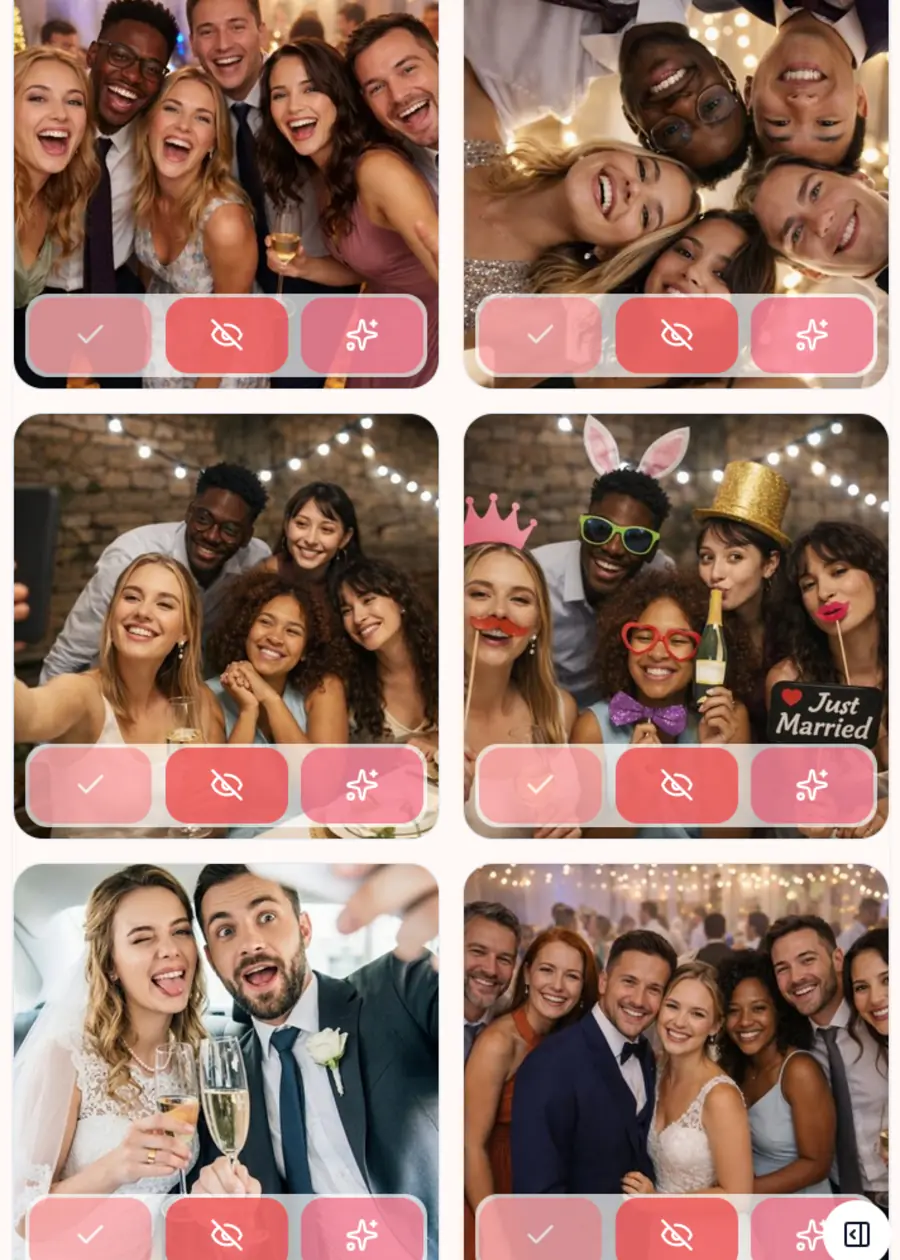
You decide what becomes visible, set highlights, control the slideshow, and keep everything organised as an export after the event.
Guests get a simple entry while you stay in control as the host.
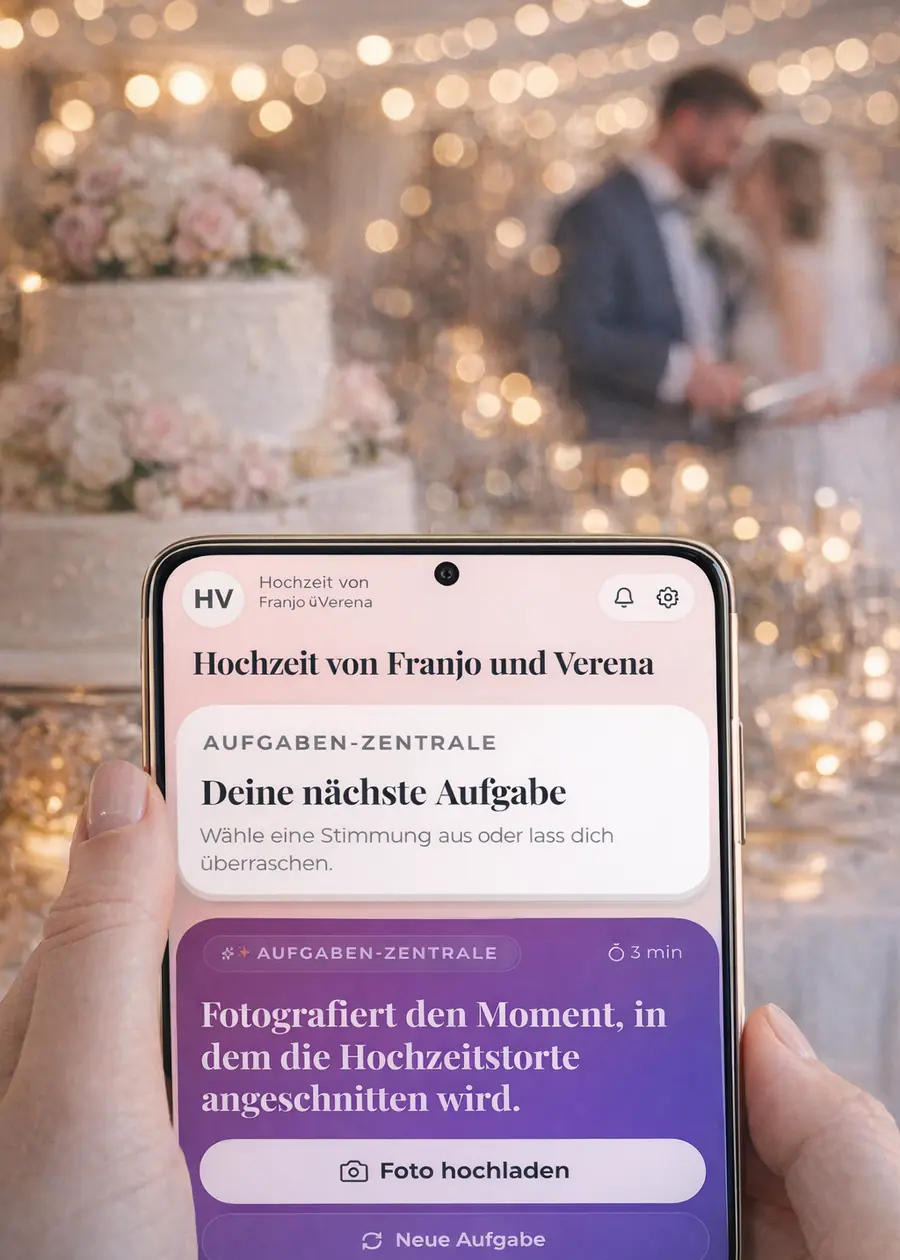
Short answers so you know what to expect before you try it or choose a package.
No. The Fotospiel App runs directly in the mobile browser. No download, no app store, and no guest account required.
Yes. You can use approval mode so new uploads only appear in the gallery after your review.
Uploads can wait locally and continue once the connection becomes stable again.
Yes. Guests join through your event link or QR code. Depending on your access settings, you can add another layer of protection.
Yes. Photobooth Connect can bring booth photos into the same event experience. Regular guest uploads work independently in the browser.
You keep the gallery, highlights, and export together instead of collecting photos from scattered chats and devices.
The demo shows exactly how guests experience the Fotospiel App in the browser.
We use cookies for essential features and optional analytics to improve our service. Choose what you allow.